Best Meme Video Maker
Depends on the job.
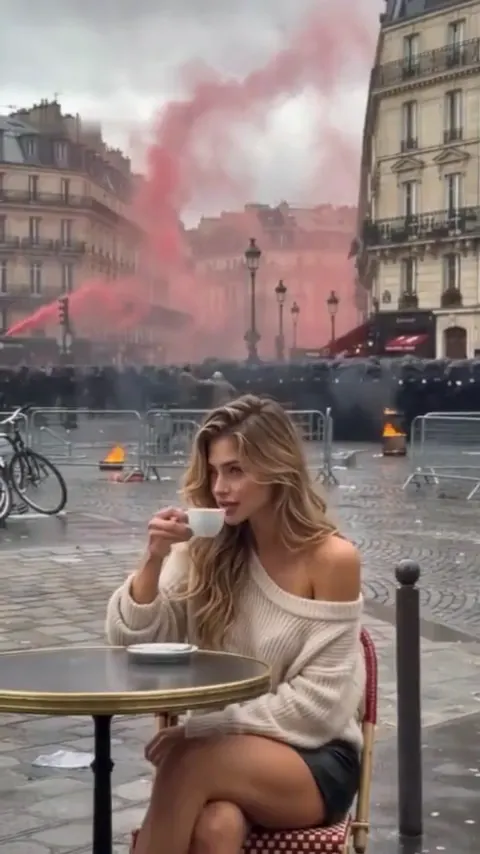
- 10 seconds
- 9:16
- Sound included
Unbothered Café
Sipping an espresso, calm, while chaos carries on behind you.
She sips an espresso while pink smoke fills the square behind her.
Updated 2026-11
The best meme video maker depends on the job: Kapwing for an online editor with templates, Clipchamp for free 1080p exports, Viggle for animating a photo on a phone, and Memevy for a photo-to-meme template clip with a set price. This comparison is for casual creators. Memevy clips have no watermark, and AI clips from $0.23 run up to 15 seconds (16 on Tecktonik dance AI and 25 on Lonyo dance AI, with Seedance 2.5 only).
Example clips
What’s the best video meme generator right now if I care more about funny templates and easy editing than professional video features?
For the widest choice of templates, Kapwing and CapCut are the usual picks, and Kapwing’s meme maker works in a browser with an easy caption editor. For free exports with no watermark, Clipchamp is the safest choice, though it has fewer meme-specific templates. If the point is animating a person or pet in a photo, Viggle is the common answer, with a generous daily free allowance. Memevy is narrower. It has eight templates, but one page goes from a photo to a finished meme MP4, with a price shown on every clip and no subscription. Pick by the job you do most often, since these tools overlap less than their names suggest.
Swipe the table for more
| Tool | Price | Free tier | Watermark | Output |
|---|---|---|---|---|
| Memevy | Credit packs from $4.99. AI clips from $0.23. No subscription | No free plan | None, on any clip | MP4 up to 1080p. AI clips 5 to 15 seconds (with Seedance 2.5 only: 16 s on the Tecktonik template, 25 s on Lonyo dance AI) |
| Kapwing | Pro $16 a month billed yearly, $24 monthly | Free plan: 720p, videos up to 4 minutes, 10 AI credits | On free exports. Pro removes it | MP4, GIF, images. Browser editor with meme templates |
| Clipchamp | Premium comes with Microsoft 365 Personal or Family. Price not published on its pricing page | Free plan: up to 1080p, no export cap listed | None | MP4, plus GIF for videos of 15 seconds or less |
| Viggle | Pro $7.99 a month, Live $15.99, Max $63.99 | 5 videos a day on the free plan | No watermark is listed on paid plans only | Image, GIF or video on its meme page. Resolution not published |
Other tools’ figures are from their own public pages, checked November 2026, and may have changed.
How does Kapwing compare with Clipchamp for making video memes, especially when it comes to templates, caption editing, export quality, and ease of use?
Kapwing is the more meme-focused of the two. It has a large template library, a dedicated meme maker and flexible caption editing, but free exports are limited to 720p and carry a watermark, and videos are capped at 4 minutes. Clipchamp is a general editor that exports up to 1080p free with no watermark, with auto-captions and stock media, and it saves GIFs for clips of 15 seconds or less. It has fewer meme templates and takes a little longer to learn. If you post memes every day and want templates, Kapwing Pro earns its price. If you post now and then, and care most about a clean free export, choose Clipchamp.
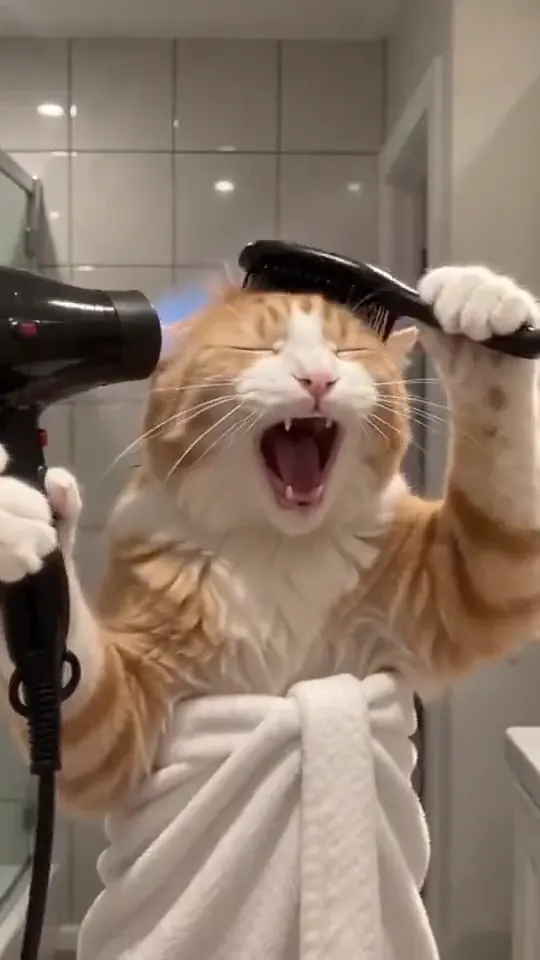
Photo in. Meme out.
I want to turn a photo of my friend into one of those dancing memes, but I also want to add my own text and music afterward. Would I need to use two different tools?
Usually yes, and that is the most common workflow: animate in Viggle, then add text and music in an editor such as Clipchamp or WeVideo. It works, but you pay attention twice and may lose quality on the second export. Memevy covers the first half: the template clip arrives with the meme’s own sound, and Singing Pet can sing your own 2–15 second song. Text and other music go on afterwards in an editor or the app you post from. Whichever tool you use, make sure your friend has agreed before you upload their photo.
I’ve been editing meme videos in CapCut on my Android phone. Could browser-based AI meme generators save me time, and what would I gain or lose by switching?
You would gain speed on the first step and lose control on every other one. A browser AI tool makes a finished clip from a photo in minutes, with no footage needed, and nothing to install. You lose CapCut’s timeline, effects, large sound library and its close link to TikTok trends. Most people should not switch outright. Keep CapCut for clips you filmed and for anything with several cuts, and use an AI tool when you have a joke but no footage. Memevy’s templates run in Chrome on Android, and the finished MP4 can go straight into CapCut if you want to keep editing it there.
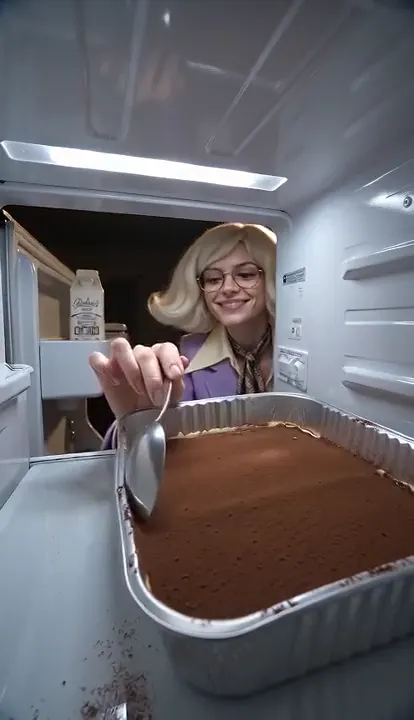
No watermark. No subscription.
Can I legally use clips from movies, TV shows, or viral TikToks in a video meme, or does adding funny captions still leave me with copyright problems?
Adding a caption does not remove copyright. Short memes are often tolerated, and in the US some may count as fair use, but that is decided case by case and platforms can still mute or remove a clip. Risk rises sharply for brands: using a recognisable film scene or a trending song in an advert generally needs a licence, and a personal-use tool plan does not cover that. The safer route is footage you filmed or AI clips with sound you can use. Treat this as general information, not legal advice, and check a template’s sound before using it commercially. Using a photo of someone also needs their consent.
Where does Memevy fall short of these tools?
Honest answer: on range. It has far fewer templates than Kapwing or CapCut, and no timeline, stock library or team features.
- AI clips are short: 5 to 15 seconds, depending on the template or prompt (with Seedance 2.5 only: 16 on the Tecktonik dance AI template, 25 on Lonyo dance AI).
- It makes the clip, not the edit: there is no timeline, text overlay, joining or sound-effect library.
- Faces, hands and fast motion can warp, and small or group photos do worst.
- There is no before-and-after template yet. Use the Describe tab with two photos.
- Photos of children, well-known people or anyone who has not agreed are not allowed.
- Clips download as MP4 only, with no GIF export.
FAQ
What is the best free meme video maker?
For your own clips, Clipchamp exports up to 1080p with no watermark. For AI clips from a photo, Viggle has a free daily allowance, and Memevy adds no watermark to any clip.
What is the best AI meme video maker?
Viggle is the common pick for a free daily allowance. Memevy suits people who want a set price per clip, no subscription and no watermark.
What is the best video meme maker app for iPhone?
CapCut for editing footage, Viggle for animating photos. Browser tools such as Memevy need no app at all and run in Safari.
How were these tools compared?
Prices and limits come from each tool’s own public pages, checked in November 2026. Where a number is not published, the table says so.
Got a joke? Make it move.
Open the generator