Fix an AI Meme Video
Bad clip? Start here.
- 8 seconds
- 9:16
- Sound included
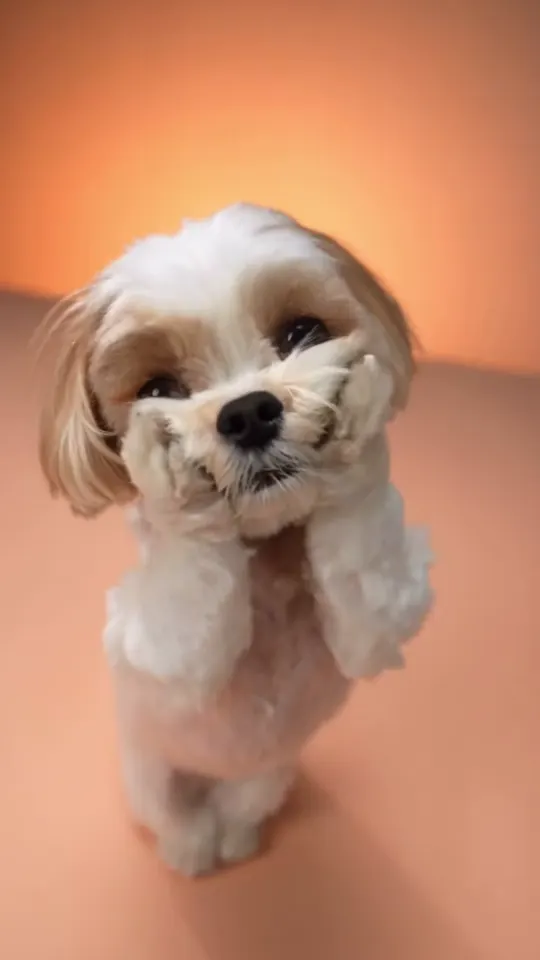
Daijoubu Dog
Your pet dances upright in a cloud studio.
A shih tzu dances upright between the clouds in the peach studio.
Updated 2026-11
Most AI meme video problems come from the photo, the motion or the export, not the tool. This guide is for anyone with a warped face, twisted arms, late sound or a blurry upload. On Memevy, a failed clip refunds its credits, a retry at 480p costs from $0.23, and no clip carries a watermark.
Example clips
Why do AI video meme generators sometimes distort faces, add extra fingers, or turn a perfectly normal photo into a completely different person?
The model is predicting every frame, not moving your photo around. It has one image to go on, so anything it cannot see, such as the side of your head or your hands, gets invented, and fast motion gives it more to invent. Faces drift when the source face is small, side-on, shadowed or covered by hair or glasses. Hands fail often because the fingers overlap as they move. To fix it, use a sharp, front-facing photo where the face fills about a quarter of the frame, with even light and hands visible or out of shot. Try a higher resolution, then a stronger model such as Seedance 2.5.
The generated character’s arms look twisted and the legs don’t follow the original choreography. My source is a cropped selfie. What should I change about the photo or motion reference?
A cropped selfie leaves the model to invent the arms and legs, then ask them to move, so they bend wrongly. Use a photo showing the whole body, or at least knees up, with arms relaxed at the sides and not crossed or holding anything. Plain clothes help, because loose jackets and long sleeves hide the joints. Stand alone against a simple background, since people behind you can merge into the figure. Pick a template whose framing suits your photo: for a head-and-shoulders picture, choose Opa Opa or That Boy instead of a full-body dance. Seedance 2.5 and 720p or above usually hold limbs together better than the cheapest setting.
Photo in. Meme out.
The character’s mouth doesn’t match the dialogue and the dramatic sound effect happens almost a second too late. How can I fix the timing without rebuilding the whole video?
Fix the timing first, since it is the cheaper problem. Slide the sound against the picture in your phone’s editor. A one-second delay is a small move there. Mouth movement is harder to repair after the fact. Templates with a reference clip are made for this: the sound is laid back on the finished clip so it stays in step with the movements of the reference. For a written prompt, describe fewer spoken words, one short line is plenty, and avoid fast dialogue. Regenerating a 5-second clip at 480p costs less than repairing a long one.
My video meme looks sharp in the editor but turns blurry and pixelated after I export it and upload it to Instagram Reels. What export settings, aspect ratio, bitrate, and caption styling should I check?
Instagram recompresses everything, so start with the cleanest file you can. Make the clip at 720p or higher, keep the 9:16 shape so nothing gets rescaled, and upload the original file directly, not a copy that passed through a chat app, which compresses it again. Turn on Upload at highest quality in Instagram’s settings. For captions, use large, bold letters with a dark outline, such as the Classic meme style, because thin white text on a busy background smears first. A 720p source will never look like 1080p, but it should stay readable. If it matters, remake the clip at 1080p on Seedance 2.0.
No watermark. No subscription.
What can’t be fixed?
Some results will not come right however you adjust them. If a clip fails outright, its credits come back automatically, but a finished clip you simply do not like is not refunded.
- AI clips are short: 5 to 15 seconds, depending on the template or prompt (with Seedance 2.5 only: 16 on the Tecktonik dance AI template, 25 on Lonyo dance AI).
- It makes the clip, not the edit: there is no timeline, text overlay, joining or sound-effect library.
- Faces, hands and fast motion can warp, and small or group photos do worst.
- There is no before-and-after template yet. Use the Describe tab with two photos.
- Photos of children, well-known people or anyone who has not agreed are not allowed.
- Clips download as MP4 only, with no GIF export.
FAQ
Why was my photo refused?
The model’s safety check flagged it, most often because the person looks under 18, the photo is too revealing, or the person is well known. The clip is refunded. Try a clear photo of an adult or a pet.
Do I get my credits back if a clip fails?
Yes, automatically. If the model refuses or fails, the credits return to your balance.
Which model gives the best faces?
Seedance 2.5 keeps faces most stable, and it costs the most. Try the cheapest model first and only step up if the idea works.
Why does the same photo give different results?
Each run starts from new randomness. If a clip is close, running it again often fixes a small problem.
Got a joke? Make it move.
Open the generator